
Download and Sharing Instructions
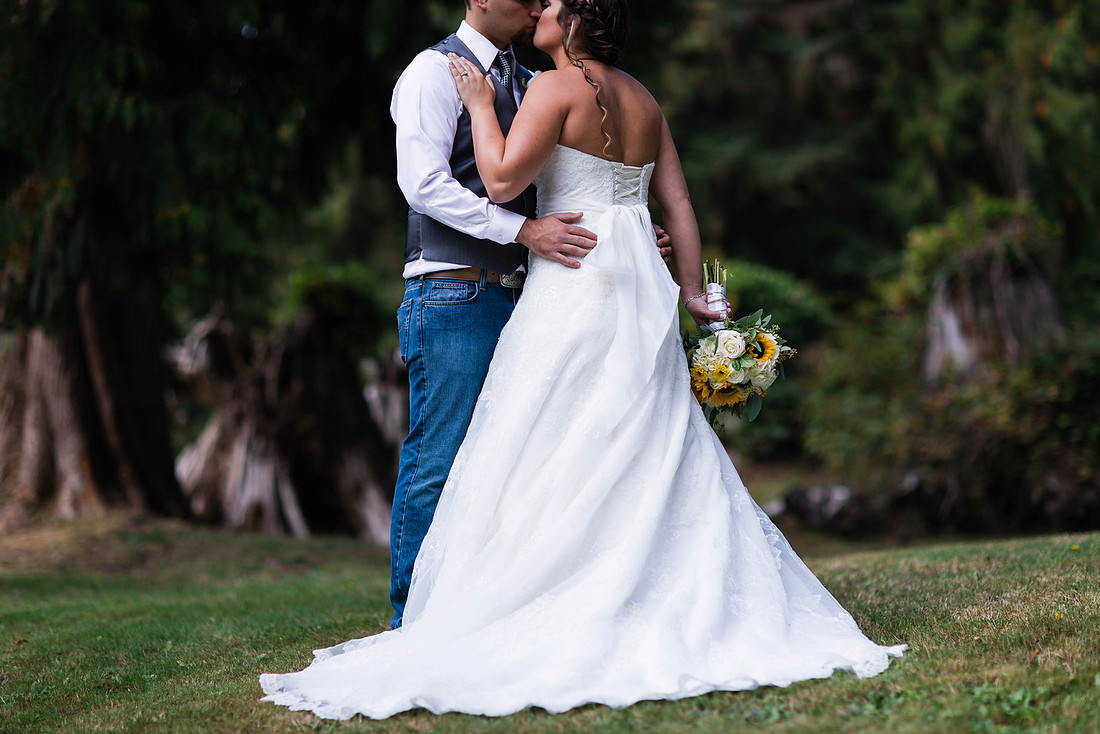

Please read through the notes below before browsing through your images or if you need guidance for downloading images...
For Facebook and other social media sharing:
Right-click on the image and select download size (xx-large is best). Please tag "Chris Harth Photography" (on Facebook) or "@chris.harth" (on Instagram) for photographer credit :)
For printing:
If you would like to order prints through the website, click the BUY button while looking at the photo you like and choose a printing option. You are not restricted to print through the site, but it is an option if you would like. The full-resolution images you download can be taken elsewhere for printing.
Download the full-resolution:
Full Albums: To download the full-versions just go into the gallery, for example "Wedding Reception": at the top-right menu bar choose "select photos" button, then select "download" after it appears to the right. Select "download entire gallery" from the pop-up window and save to your computer. They will be in a zip folder that you will have to right-click and "unzip".
Single Images: Right-click on the image and select "Download" then choose "Original".
For any other questions or guidance, feel free to email myself at [email protected].